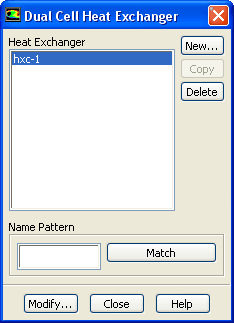
The
Dual Cell Heat Exchanger dialog box allows you to use the NTU method for heat transfer calculations. This model allows the solution of auxiliary flow on a separate mesh (other than the primary fluid mesh). See Section
14.5 for information about using this dialog box.
Controls
Heat Exchanger
contains a list of predefined heat exchangers.
Copy
copies the currently selected heat exchanger.
Delete
removes the currently selected heat exchanger.
Name Pattern
specifies the pattern to look for in the names of heat exchangers. Type the pattern in the text field and click
Match to select (or deselect) the listing in the
Heat Exchanger list with names that match the specified pattern.
![[ANSYS, Inc. Logo]](fluentlogo.gif)