(a)
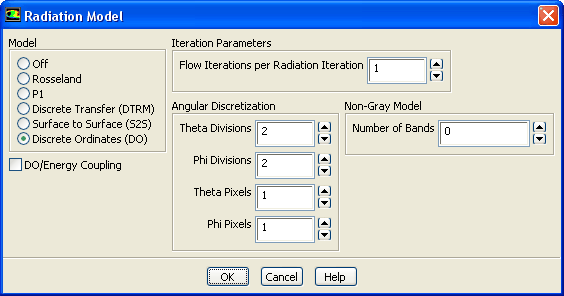
Select
Discrete Ordinates (DO) in the
Model list.
The
Radiation Model dialog box expands to show the related inputs.
(b)
Set the
Flow Iterations per Radiation Iteration to
1.
As radiation will be the dominant mode of heat transfer, it is beneficial to reduce the interval between calculations. For this small 2D case we will reduce it to 1.
(c)
Retain the default settings for
Angular Discretization.
(d)
Click
OK to close the
Radiation Model dialog box.
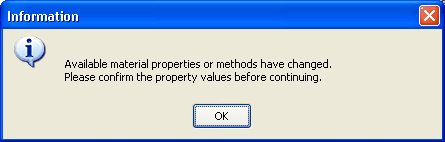
An
Information dialog box will appear, informing that material properties have changed.
![[ANSYS, Inc. Logo]](fluentlogo.gif)


 Models
 Models

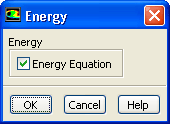
 Energy
 Edit...
 Models

 Radiation
 Edit...