![[ANSYS, Inc. Logo]](fluentlogo.gif)


|
|
|
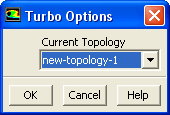
The Turbo/Options... menu item opens the Turbo Options dialog box.
Turbo Options Dialog Box
The Turbo Options dialog box allows you to globally set the turbomachinery topology for your model. See Section 29.10.6 for details.
Controls
Previous:
34.11.4 Turbo/Averaged XY Plot...