![[ANSYS, Inc. Logo]](fluentlogo.gif)


|
|
|
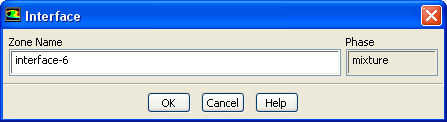
The Interface dialog box can be used to modify the name of an interface zone; there are no conditions to be set. It is opened from the Boundary Conditions task page. Interface zones are used for multiple reference frame and sliding mesh calculations, and for non-conformal meshes. See Section 10.3.1, 6.4, and this section in the separate Theory Guide for details.
Controls
Previous:
33.7.5 Intake Fan Dialog