Boundary Conditions
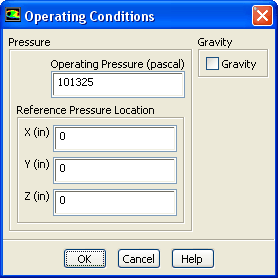
 Operating Conditions...
- 1.
Retain the default operating conditions.
- 2.
Click
OK to close the
Operating Conditions dialog box.
-
For the
incompressible-ideal-gas law selected here for air, the constant pressure used for the density calculation is the
Operating Pressure specified in this dialog box. So, make sure that the
Operating Pressure is close to the mean pressure of the domain.


 Previous:
Step 4: Materials
Previous:
Step 4: Materials
Up:
Using a Non-Conformal Mesh
Next:
Step 6: Cell Zone
Release 12.0 © ANSYS, Inc. 2009-02-09 ![[ANSYS, Inc. Logo]](fluentlogo.gif)