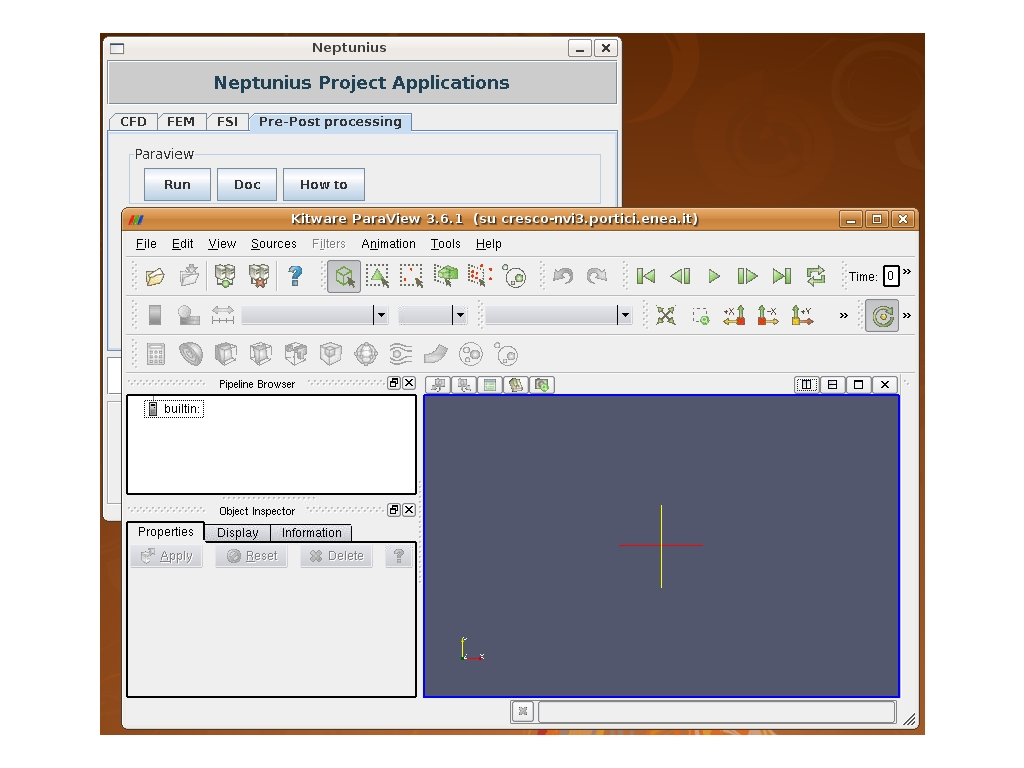
At present Paraview comes with version 3.6.1, 3.8.0 and 3.12.0. For running the last installed version of Paraview, users have simply to type in the command paraview. Previous versions can be used by giving the command paraview-[version].
Alternatively, Paraview can be started form the NEPTUNIUS virtual laboratory. Any user with an AFS account can run the provided codes by clicking the software link (top of the home page) and following the instructions.
|
|